The "Beauty Logic" Behind Beauty Filter Technology: Understanding the Core Processing Flow Through a Flowchart
In an era dominated by short videos and live streams, "beauty filters" have long become a must-have function in digital imaging scenarios. The seemingly one-click smooth skin effect is actually supported by a rigorous technical process.
Through the flow chart of a "beauty filter demo", we can clearly break down the core logic of this "beauty magic".
The starting point of any beauty filter effect is image acquisition. Whether it’s a static photo or each frame in a real-time video stream, it first needs to be captured by the system and converted into processable digital signals — this is the "raw material" stage of beauty filters, similar to how a chef must obtain fresh ingredients before "cooking" (beauty processing) can begin.
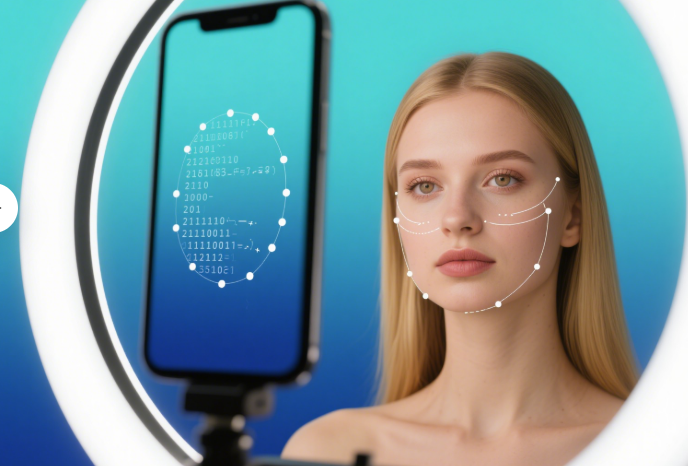
After acquiring the image, the system immediately enters the "face frame and key point detection" stage.
This step is crucial to the "natural look" of beauty filters: only by accurately locating the boundaries of the face (face frame) and the positions of key feature points such as eyes, nose, and lips can subsequent skin smoothing and whitening be targeted, avoiding mistakenly applying beauty effects to the background or non-facial areas (imagine how awkward the image would be if hair or the background were "smoothed").
Accurate face positioning is equivalent to defining an "exclusive canvas" for beauty filters, ensuring that subsequent beautification only acts on the face and lays the foundation for "customized beauty".
Different people have different skin tones, and even the same person’s skin tone varies under different lighting and scenarios.
Therefore, a "skin tone detection" step is added to the process — the system analyzes skin tone characteristics (such as hue, brightness, saturation, etc.) in the facial area. Based on this, subsequent skin smoothing and whitening parameters can better match individual traits, avoiding the problems of uniform unnatural whiteness and over-smoothing.
For example, for users with yellowish skin, whitening will focus on "brightening while retaining warm tones"; for users with darker skin, skin smoothing will emphasize "preserving skin texture rather than pursuing pale whiteness". This step transforms beauty filters from "one-size-fits-all filters" to "personalized beautification".
After completing the previous "preparations", the system enters the judgment stage of "whether beauty parameters have changed".
"Parameter changes" here may either be active adjustments by the user (e.g., sliding the sliders for "skin smoothing intensity" or "whitening level" in the app) or automatic parameter adjustments by the system based on "skin tone detection".
If it is judged that "parameters have changed", the core processing of "skin smoothing and whitening" will be executed:
- Skin smoothing: Algorithms are used to smooth skin texture and weaken blemishes such as pores and acne marks, making the skin visually finer.
- Whitening: Adjusts the brightness and hue of the skin tone to brighten the overall complexion and create a more radiant visual effect.
This step is the core of "beautification". The quality of the algorithm and the precision of parameters directly determine whether the beauty effect looks "naturally flawless" or "overly artificial".
After skin smoothing and whitening, the image is "displayed to the user" — this is the key step for users to perceive the "beauty filter effect".
Subsequently, the system judges "whether to end": for static photo processing, the process may end after one cycle; for real-time video beauty effects (e.g., live streams, video calls), the system will return to the "image acquisition" stage to continuously process new frames, keeping the beauty effect "real-time active".
This loop mechanism ensures the "consistency" of beauty filters in dynamic scenarios, allowing users to maintain their "best state" during live streams and video calls.
From this flow chart, it’s clear that beauty filter technology is not a simple "one-click filter", but a complete logic that includes "image acquisition → precise positioning → feature analysis → intelligent processing → result feedback".
The design of each link balances "beautification effect" and "natural authenticity": while algorithms are used to cover skin blemishes and enhance complexion, links such as "face positioning" and "skin tone detection" ensure that beauty filters match individual traits, avoiding "template-based distortion".
Today, with the development of AI technology, beauty filter processes are still evolving (e.g., adding makeup simulation and face shape fine-tuning), but the core logic still revolves around "precise positioning + intelligent adjustment + real-time feedback".
This also makes us realize: behind the seemingly simple "beautification" lies technology’s careful response and precise support for user needs.